How to play
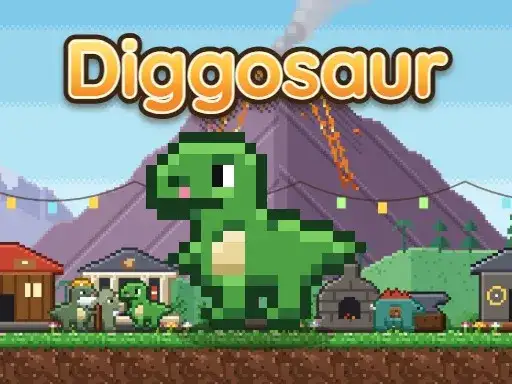
Grandpa Bruno went down to save the drying spring and never came back. You dig after him, tunneling through soil, ice, magma and crystal caves while collecting ores, fossils and pages of his lost journal. The developer says you must return to the surface before your energy runs out, then spend your loot in the village so you can dig deeper on the next trip. Growing the village adds a garden, furnace, dojo and museum. You can unlock 12 dinos with their own abilities, befriend pets, solve puzzles and fly a balloon.
Controls explained
On PC, use the arrow keys or WASD to walk and dig. Hold a direction to keep digging. Press Q for your ability and keys 1 through 9 for items. B takes you back to the surface, and E, Enter or Space lets you talk and enter buildings. I opens your backpack, P shows a photo, and the mouse is used as well.
Tips
- Watch your energy and head back with B before it runs out. Spend your loot in the village between trips.
- Hold a direction to keep digging instead of tapping. This makes long tunnels faster.
- Spend loot in the village between trips. The garden, furnace, dojo and museum are there to grow.
- Try different dinos for their abilities. You can unlock 12 of them.
- Check the journal pages you find. They are part of Grandpa Bruno’s lost journal.
FAQ
What is the goal in Diggosaur? Dig after Grandpa Bruno, who went down to save the drying spring. Collect ores, fossils and journal pages, then return to the surface before your energy runs out.
Can I play Diggosaur on a phone? The controls list keyboard and mouse input for PC. The game runs free in your browser.
What can I build in the village? The developer says you can grow your village with a garden, furnace, dojo and museum. Loot from your digs pays for it.