Driving & Bikes
Driving and bike games on Unblocked Games Club are browser titles built around physics: drifting, climbing, balancing and steering through tracks. They load in the provider's player after you press Play, with no account or download.

What kind of games are in this category
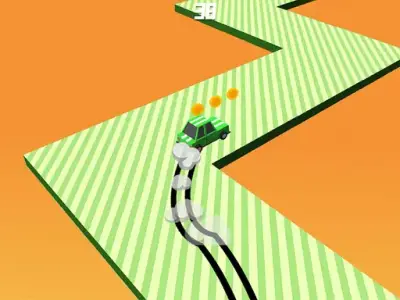
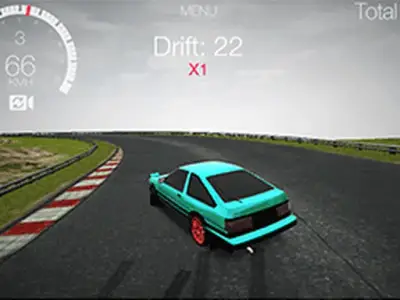
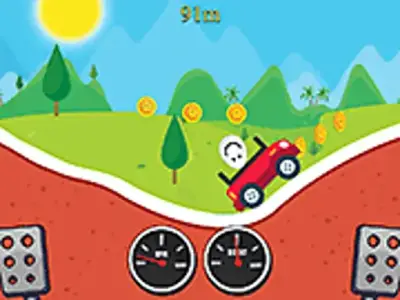
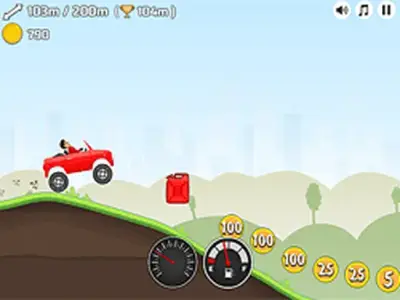
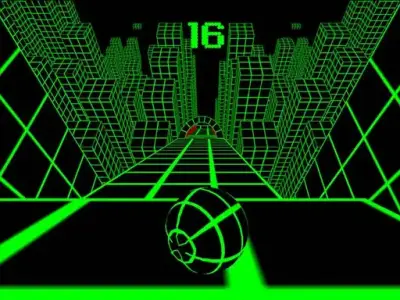
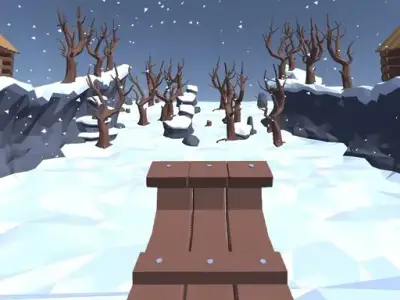
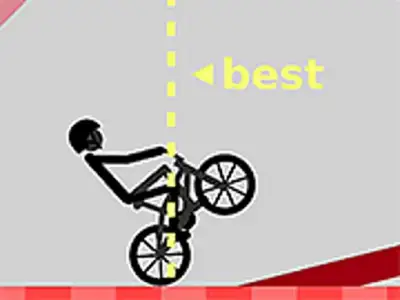
The driving and bike category collects games where a vehicle or rider moves under physics. Drift Boss and Drift Hunters are about holding a slide and keeping control. Hill Climb Racing and Eggy Car put a car on uneven ground where balance and momentum decide how far you get. Wheelie Bike is about holding a front wheel up without tipping over. Slope and Snow Rider 3D are downhill runs where speed builds and steering has to keep up. Death Run 3D and Mustang Strike sit at the faster end, with less room for a slow correction.
The games differ in what they ask of you. Some reward a steady hand and small inputs over a long run, while others want a quick reaction to a turn that arrives sooner than expected. A drift game and a hill climb game can look similar on a thumbnail and play nothing alike, because one is about sideways control and the other about not flipping backward on a slope. Each game page lists the controls the developer provided, so the first thing to check is how steering and acceleration are mapped.
How to get better at them
Start with short runs. In physics games, a small mistake early often compounds, and restarting quickly teaches you the first few seconds of a track better than a long messy attempt. Watch what the vehicle does before you correct it. Oversteering in a drift game and overcorrecting on a hill both come from reacting too early.
Learn one input at a time. If a game uses separate keys for acceleration and braking, get comfortable with each before combining them with steering. On bike and wheelie games, the balance point is usually found by easing off the throttle. Downhill games like Slope and Snow Rider 3D reward looking ahead of the vehicle, which gives you time to set up a turn before it reaches you.
Keep runs short when you are learning and longer when a track starts to feel familiar. If a game feels unresponsive, check the controls list on its page before assuming the game is broken, since some titles use arrow keys and others use the mouse.
How the games are chosen
Our editors pick each game by hand. A title has to run in the provider’s browser player, fit the browser-games niche, and contain no adult or gambling content.
Each game page text is written from the developer’s own description and controls list. AI writing tools help draft it, and every text passes our editorial checks before it goes live. We do not invent features, ratings or player numbers, and we do not show star ratings or play counts because we do not collect votes. Games are made by independent developers and distributed by GameDistribution and Y8. They run in the provider’s player inside an iframe, and the game only loads after you press Play.
Questions and answers
Do I need an account or a download to play these driving games?
No. No account or download is needed. The game loads in the provider's player inside an iframe on our page after you press Play, and before that no third-party game or ad request is made.
Why do some driving games show ads inside the player?
Ads inside the player come from the game provider. The site itself sets no cookies and shows no ads of its own. The provider and its ad partners handle data under their own policies.
Can I save a driving game to come back to later?
Yes. The Save button under a game stores the game's name in your own browser using localStorage. It never leaves your device and we cannot see it. Removing the game from Saved or clearing site data deletes it.
Will these games load on a school or work network?
We do not bypass any network filter, school or work firewall, and we do not promise a game will load on a restricted network. 'Unblocked' in our name means each game is a plain browser game with no download, account or extension.